JUNE 8, 2026 ANNOUNCEMENT:
- FREE version 1.0.10 released.
- PRO version 1.0.25 released (with more powerful features).
- Prices won’t be raised anytime soon, enjoy FREE or PRO version without pressure.
Read more to see latest updates!
DOWNLOAD LINK
- FREE version – WordPress.org (repo)
- PRO version – purchase link
FUNCTION
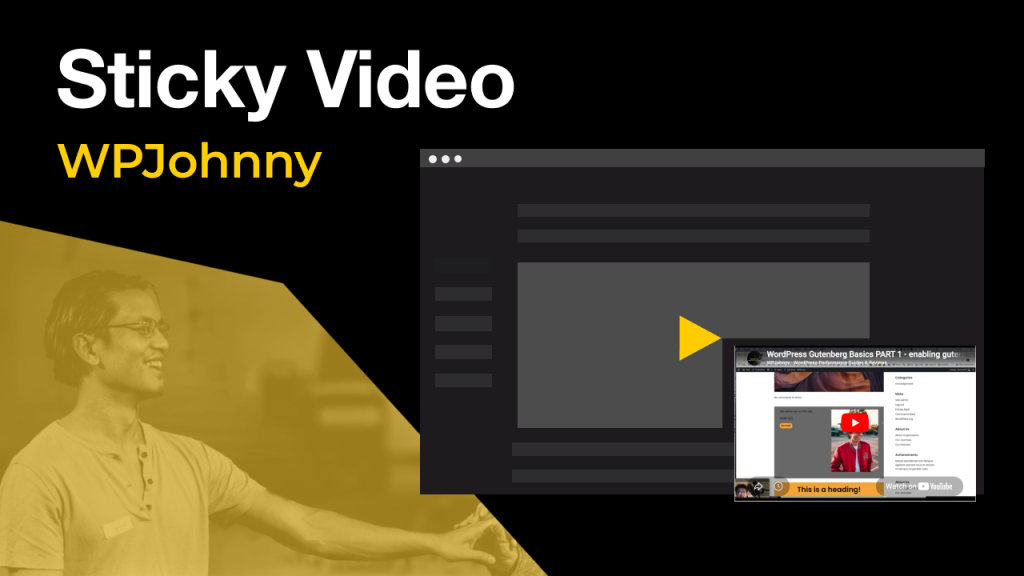
Display video embeds with a floating video effect, fixed to the page corner during scroll. Sticky video player has auto-play options, size/position customizations, and high-performance for pagespeed.
DESCRIPTION
Plugin displays video embeds (e.g. YouTube/Vimeo) in a “sticky” floating video player, fixed to page corner during scroll. Allowing visitors to watch/listen to videos while scrolling down the page. Increasing site engagement time and overall user experience.
FREE version is powerful enough for anyone, while PRO version has extra features and customizations for more demanding sites. Built by WPJohnny, you know this plugin is ultra-lightweight with virtually zero page-speed impact (only 5KB weight in CSS/JS assets).
Great feature for:
- content sites
- tutorials, how-to
- sales pages
- travel, real estate
- …endless possibilities!
FREE FEATURES:
- YT/Vimeo compatible – automatically detects YouTube & Vimeo embedded videos.
- Customizable – adjust default sticky player size & position for all screen sizes (desktop, tablet, mobile).
- Auto Play – choose whether sticky videos play immediately on page load. (Sound starts muted for browser compatibility).
- Closeable – users can X-close the sticky video player.
- Fast Performance – ultra-lightweight (3kb total CSS/JS) only loads on pages with video embeds. Can also unload plugin CSS and manually enqueue in theme CSS.
- Auto stick – choose whether sticky video appears in sticky position immediately on page load (no scroll required).
- Exclude – can manually disable function on individual posts/pages.
PRO FEATURES:
- Multiple Videos – allow multiple videos in sticky position (via slideshow layout), FREE version only allows 1st video embed on each page.
- Visitor Resize – visitors can resize sticky video player.
- Visitor Reposition – visitors can reposition sticky video.
- Theme options – choose minimal, light, dark, or custom colors for sticky video player.
- Additional networks – support more video networks (Bunny.net, Daily Motion, Wistia, Facebook, Instagram Reels, X/Twitter, TikTok, HTML 5).
FUTURE CONSIDERATIONS:
- Custom video shapes – different video container shapes (circle, triangle, etc). Perhaps different shapes depending on video orientation, networks, or per page.
- Robust exclusion controls – a more robust system for excluding pages from sticky video effects, all manageable from plugin settings instead of each individual page.
Learn more about WPJ Sticky Video PRO!
Installation
- Install easily from your dashboard Add Plugins page or manually download the plugin and upload the extracted archived to the `/wp-content/plugins/` directory.
- Activate the plugin through the ‘Plugins’ menu in WordPress.
- From your Dashboard, go to the sidebar Settings menu and click on “Sticky Video”.
Frequently Asked Questions
Does this plugin work with newest WP version and also older versions?
- Yes, this plugin works perfect with the latest version of WordPress! It also works with older versions as well but you should always run the latest WordPress and PHP version for best security and performance. This plugin is used in my critical sites so you can be assured it works perfect.
Will this plugin slow down my site?
- No, it uses only 5kb total CSS/JS and there’s also a CSS dequeue option to remove the CSS call.
How often do you plan to update this plugin?
- We’ll keep maintaining both FREE and PRO versions to work with the latest WordPress version and other plugins.
- New features and styling adjustments will be made over time, at our discretion. Priority given to the most user-requested ones.
- PRO version pricing will increase over time to reflect added features. Existing PRO customers will be grandfathered in (no price changes for them).
Screenshots
1. Frontend appearance & function
2. Backend settings
Changelog
FREE
- 1.0.10 – no longer auto-loads on category pages May 11, 2026
- 1.0.8 – opening release Apr 16, 2026
PRO
- 1.0.26 – support for Bunny.net & Instagram Reels, JS refactoring & performance improvements ~Jun 13, 2026
- 1.0.25 – opening release Jun 8, 2026

Leave a Reply